
The VLBook Login page helps returning visitors find the account sign-in section and understand the basic steps involved in accessing an existing account. A clear login process makes website navigation easier across desktop computers, laptops, tablets, and mobile devices.
Before signing in, confirm that you are visiting the correct website and review the instructions displayed on the page. Keeping your account credentials secure and using a trusted internet connection can help protect your personal information while browsing.
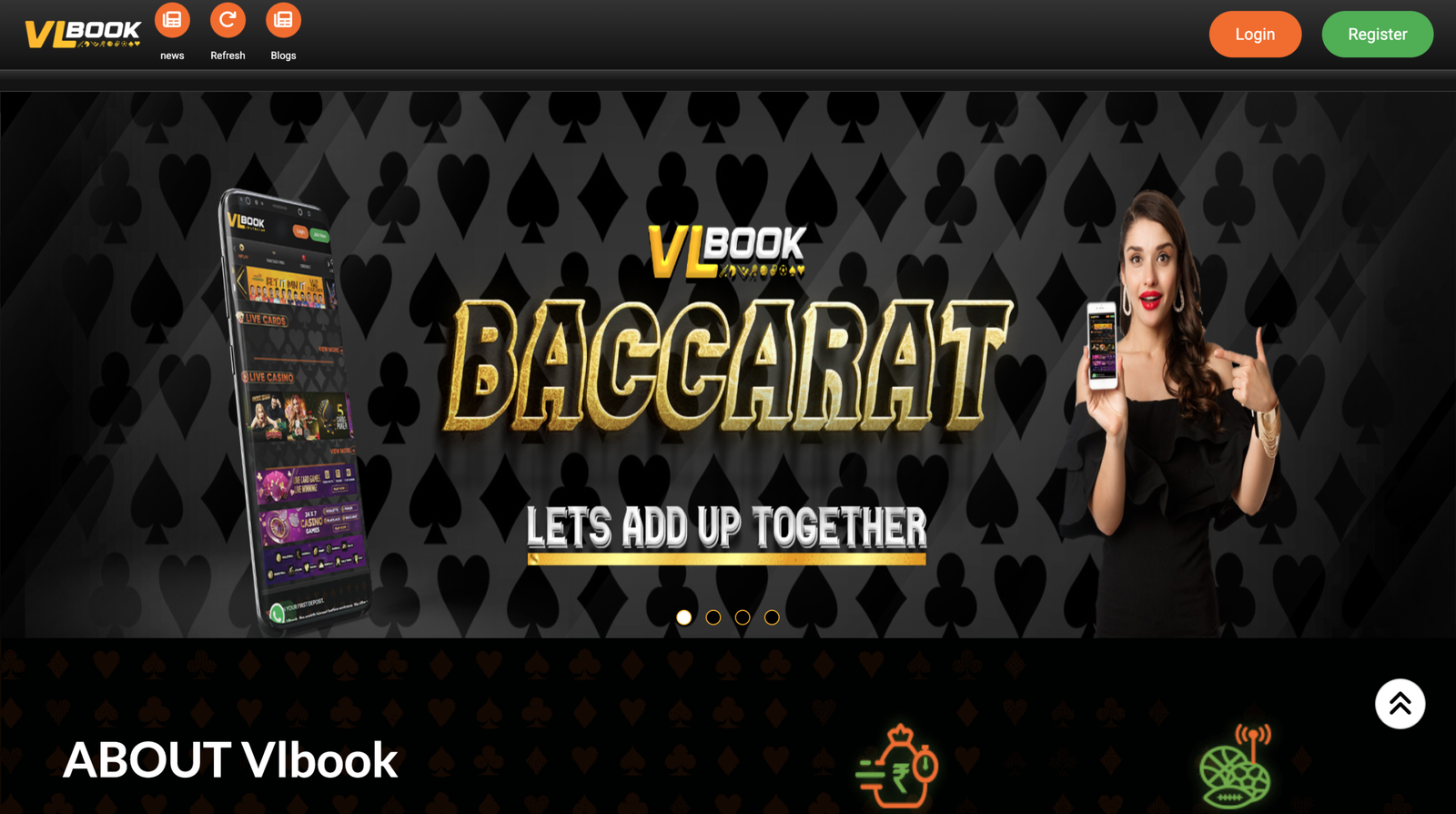
How to Access the VLBook Login Page
To begin, open the official website address you intend to use and locate the login section. Enter the requested account details carefully, checking for typing errors, unnecessary spaces, and incorrect characters before submitting the form.
If you are a new visitor and do not yet have an account, review the VLBook Registration Guide to understand the registration requirements. Do not attempt to use another person’s account or submit personal information on an unfamiliar website.
The login page should clearly explain any required fields and provide instructions for users who experience access difficulties. Always follow the current information displayed on the website.
Common VLBook Login Problems
Sometimes, users may be unable to access their accounts even when the website opens normally. Several common issues can affect the sign-in process.
Incorrect Username or Password
A typing mistake, incorrect capitalization, or an outdated password may prevent successful login. Carefully check your entries before trying again. Avoid sharing your credentials with another person to troubleshoot the problem.
Browser or Internet Connection Issues
A weak internet connection or an outdated browser can interfere with page loading. Try refreshing the page, checking your network, or opening the website in an updated browser.
Account Access Restrictions
Some websites apply temporary restrictions after repeated unsuccessful attempts or require additional verification. If this happens, follow the instructions provided by the platform rather than repeatedly submitting the same details.
VLBook Login ID and Password Recovery
Forgetting login credentials can make it difficult to access an existing account. If you cannot remember your password, look for the recovery or reset instructions provided by the website.
Use the VLBook Login ID and Password Reset page to review the available account recovery guidance. Follow the displayed steps carefully and use only verified recovery methods.
Never disclose an OTP, password, payment PIN, or other confidential authentication information to someone claiming to help you recover your account. If recovery options are unavailable, consult the verified support information published on the website.
VLBook Login on Mobile Devices
Many visitors prefer mobile browsing because smartphones provide convenient access to website information. The login process on a mobile device generally involves opening the website, navigating to the sign-in section, and entering the requested details.
For a smoother experience, use an updated browser, maintain a stable connection, and avoid signing in on shared or public devices whenever possible. If you use a shared device, sign out when finished and do not save your password in an untrusted browser.
You can also review the VLBook Mobile App Download guide for information about mobile access and any verified application details available on the website.
Account Safety Tips for VLBook Login
Protecting account information should be a priority whenever you use an online service. Follow these basic precautions:
Create a strong password that is not used on other websites.
Keep login credentials and verification codes private.
Verify the website address before entering personal information.
Avoid clicking suspicious login links received through unsolicited messages.
Sign out after using a shared computer or device.
Review account activity and report unfamiliar activity through verified support channels.
For website-related questions, visit the VLBook Contact Us page to find the support information published on the platform.
Frequently Asked Questions
What is the VLBook Login page?
It is the website section intended for returning users who need to access an existing account.
What should I do if my password does not work?
Check for typing errors and follow the website’s available password recovery instructions.
Can I access VLBook from my smartphone?
You can browse the website using a compatible mobile browser. Actual access and features depend on the platform’s availability and requirements.
Where can I find WhatsApp information?
Visit the VLBook WhatsApp Information page and verify any published contact details before using them.
Access Your Account Carefully
The VLBook Login page serves as a starting point for account access and related troubleshooting. Following the website’s instructions, protecting confidential information, and using verified recovery options can help you navigate the process more safely.
Explore the linked Registration, Password Reset, Mobile App Download, Contact Us, and WhatsApp Information pages for additional guidance. Always comply with the platform’s terms and applicable local laws. 18+ only where applicable. Use online gaming services responsibly.
Table of Contents